DigitByte Software for Windows, Mac, iPhone, iPad, iPod – free download
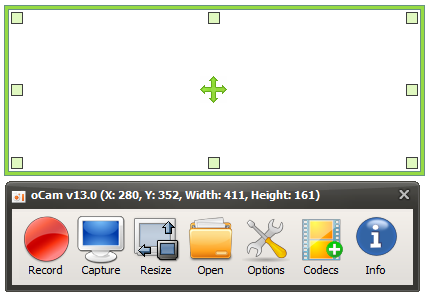
oCam is a screen capture utility that let users capture screen, record audio/video for free. you can use it capture anything that onscreen, oCam is very simple to use, just set your record area, click the Record button, then all the rest thing this tiny app will do it for you, if you do not want to record, just click Stop button to complete your recording job. you can use oCam on Windows XP to Windows 8, even Server 2008. You can use the software to record all screen activity in the selection box.
In one word, oCam is 100% free Screen Recorder for home and office!
If you want to record video from webcam, here is Open Video Capture for you and the tutorial of how to capture or record video from webcam
[download id=”80″ format=”3″]