DigitByte Software for Windows, Mac, iPhone, iPad, iPod – free download
Do you know, you can directly send your photo to Twitter from your album in iPhone 5
How to do?
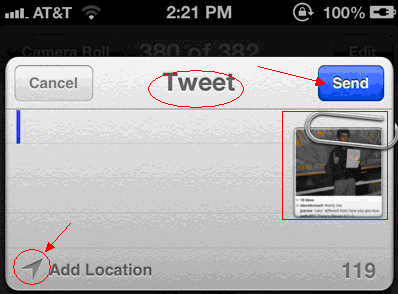
Just open the album, select a photo. In the lower left corner there is an arrow icon. Click on this icon, a menu will appears.
Then select “Twitter”, then photos will be displayed in the upper right corner. Input your message, click send, and you’re done!