 DigitByte Software for Windows, Mac, iPhone, iPad, iPod – free download
First of all, please just view the below image, and do not forget that you have put on stereo anaglyph glasses. Maybe you wanna know how to do it.
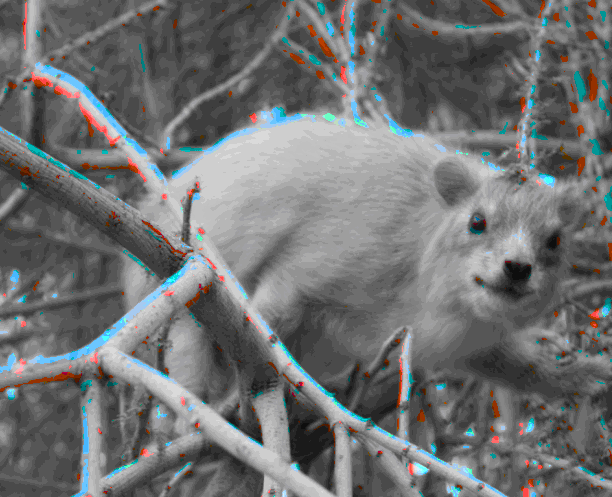
The following is the details:
I create this 3D image by using free 3D Photo Maker developed by Dvdvideosoft.com, which can create 3D pictures using one source image as well as two source images. you can use it on Windows 8, 7, Vista, XP SP3 systems. the program support gif jpg bmp png etc.

How to use the free 3D image maker?
In order to create a 3D image out of one picture, just check “Use single image” box. For creating 3D out of two images, take two shots of a still set object captured with a small horizontal shift (usually the distance must be about 2-3 inches to have the right scene).
In both cases the images are inserted into the program and next second a 3D image is created in the location which you define on your PC. Please note that in order to watch the output 3D it is necessary to use stereo anaglyph glasses.
- Click “Open left image” button and then “Open right image” button to select input files.
- Click the “Browse…” button and choose the location where you would like to save your converted 3D images. Click “Save” button.
- In the list of Algorithms select one to create anaglyph 3D image.
- Click the Make 3D! button and wait until the 3D image is converted.
- At last, please put on stereo anaglyph glasses to view the 3D image.