create artwork – SketchBook Copic Edition
Alex Wei
January 6, 2014
Graphics & Design, Mac App
229 Views
Summary
 create artwork – SketchBook Copic Edition – SketchBook Pro and use professional-grade tools to create artwork on your Mac…
Info.
- LicenseFree

- version2.0.1
- File Size81.0 MB
- RealeseAug 27, 2013
- DeveloperAutodesk
- O.S.Mac OS X 10.6.6 or later
Description
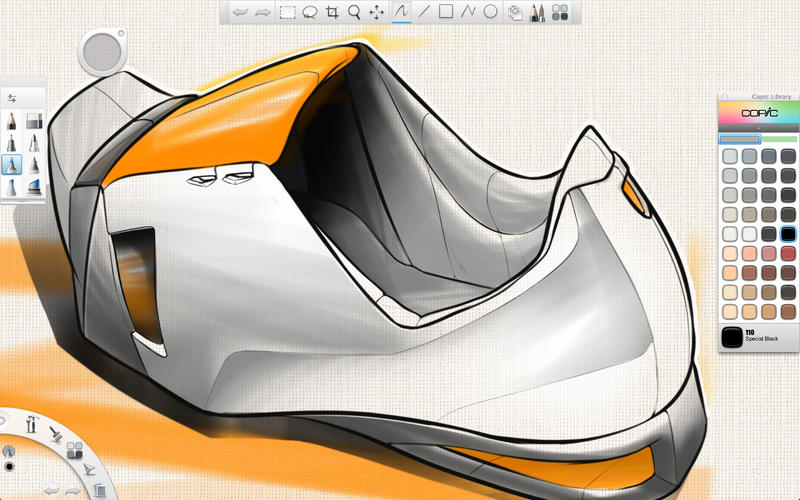
- Experience the high quality markers and colors by Copic with Autodesk SketchBook Copic Edition. Get a taste of SketchBook Pro and use professional-grade tools to create artwork on your Mac.| | Features:| – Streamlined UI| Gesture-based marking menus for ultra-fast access to tools and commands with a flick of the wrist| Optimized for pen and tablet-based interaction for a natural drawing experience| Space Bar invokes a ‘Puck’ to quickly navigate the canvas| | – High Quality Preset Brushes| 6 different Copic marker nibs and brushes| Pencil & Eraser| | – Copic Color Library| Includes a sample of 72 Copic Colors| | – Basic layers|…… | More…
Screenshot
Download URL
2014-01-06
 DigitByte Software for Windows, Mac, iPhone, iPad, iPod – free download