 DigitByte Software for Windows, Mac, iPhone, iPad, iPod – free download
How to convert a various of image online easy and fast?
If you have some image files, each file is not very large, you do not want to download anything, However, you want to convert image format online, this was previously impossible task, but now, you can convert your image file to other formats with a online converter (online-convert.com), it is very convenient.
Here are the steps online image converter:
1. copy and paste online-convert.com into your browser address bar to access the site
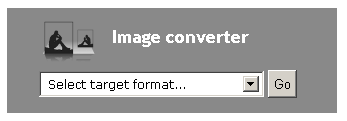
On the home page, in the “image converter” section, click the drop-down menu, select “select target format…“, click “Go” button
2. At this time, you came to the “online image converter” page, Here, listed 12 characteristics, so that you an overview of online image converter functions, including convert image files to bmp jpg gif png tga svg etc format. The following is a screenshot:
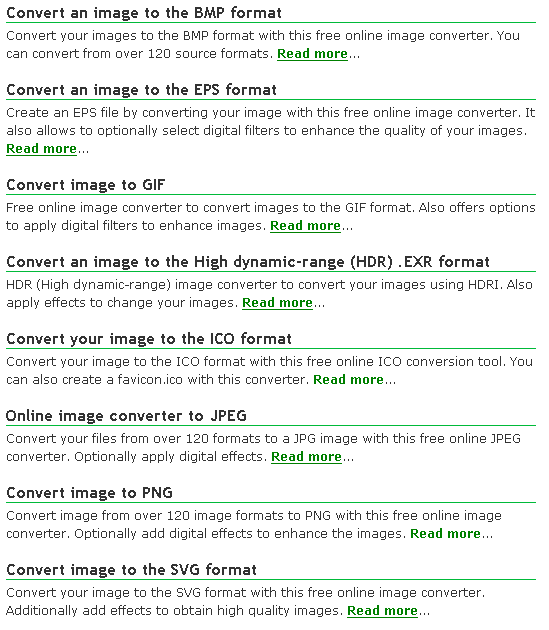
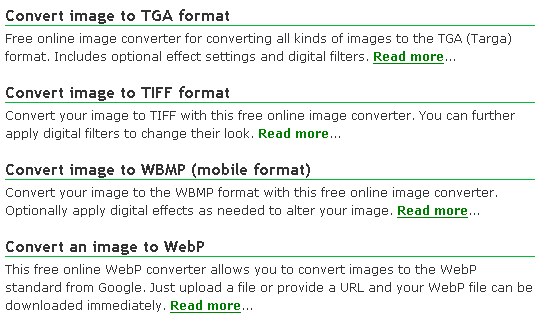
Click “Read more…” to get a detailed information.
If you like this article, please Favorite it, thank you for your support
You may also be interested in the following:
Online Video Converter – Convert your video files online with these free video converter tools.
Online Audio Converter – Convert your audio like music to other formats. We support over 50 input formats you can convert from. Optionally extract audio from a video
Online Ebook Converter – Convert your text files to common ebook formats with this free online ebook converter. Over 15 input formats offer a high quality conversion.
Online Document Converter – Convert your documents to a variety of formats. Currently over 40 formats are supported.
Online Archive converter – Compress your data or convert an archive with this free online archive compression tool. Just upload your file or provide a link to a file you want to have processed.